Themes
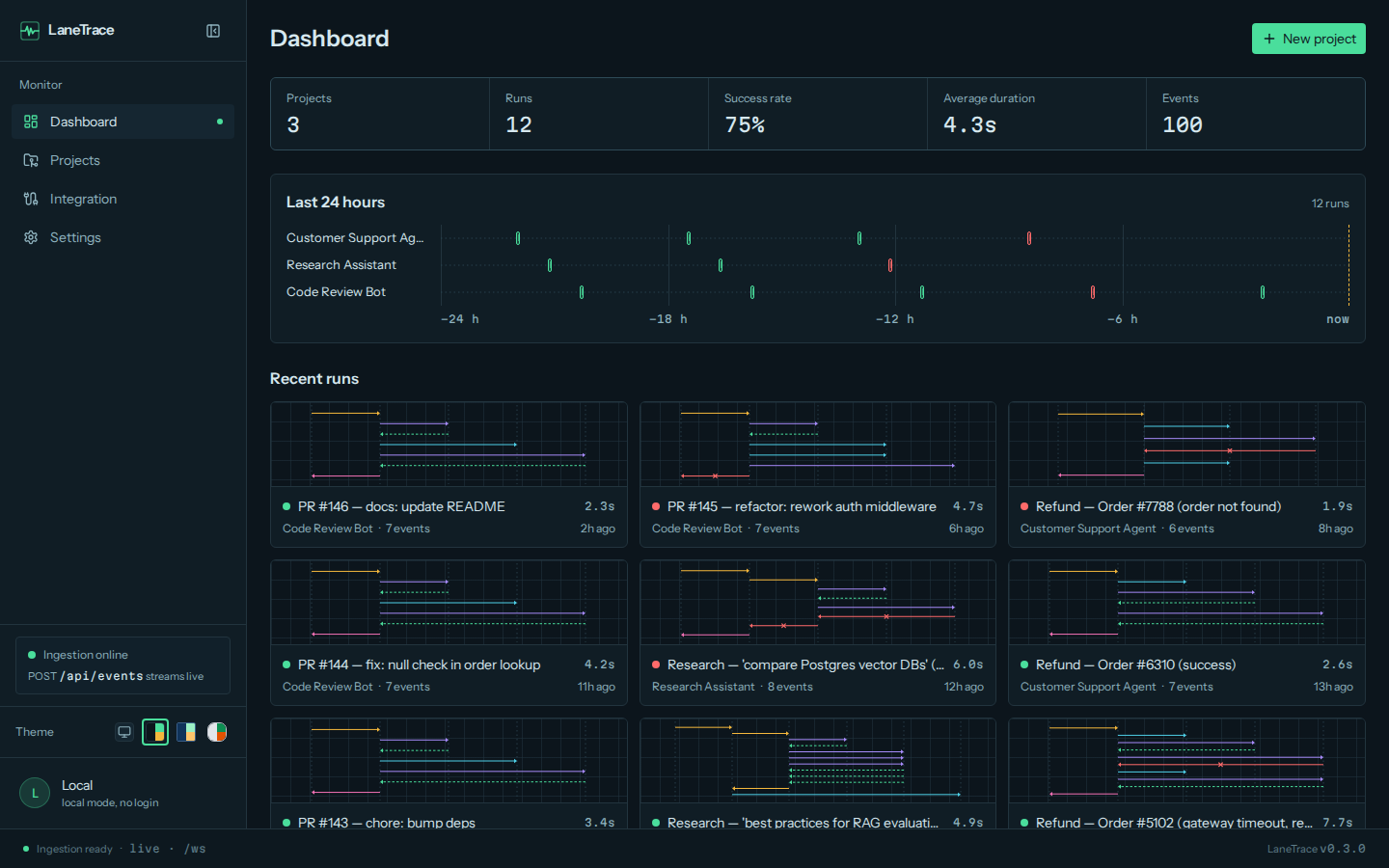
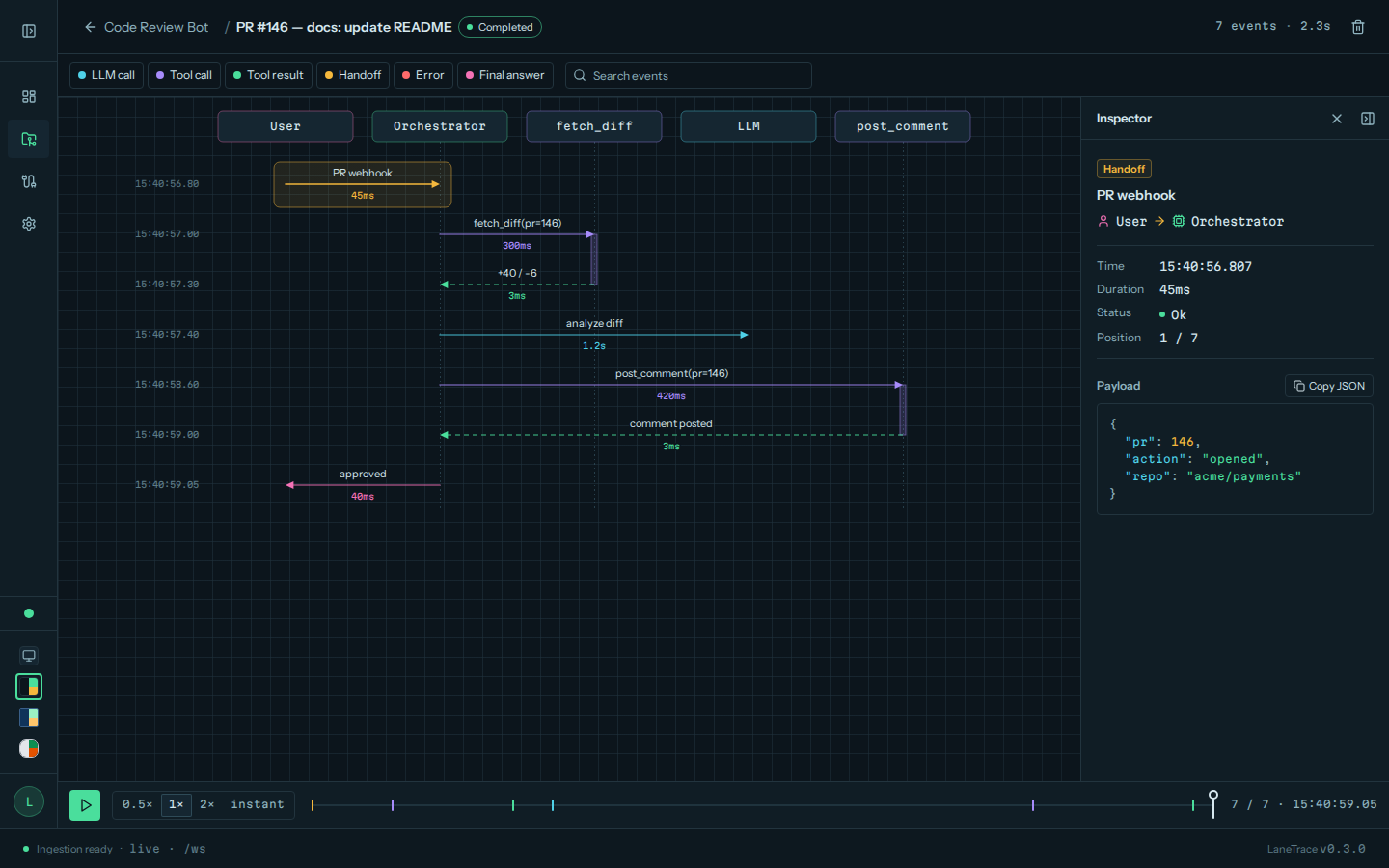
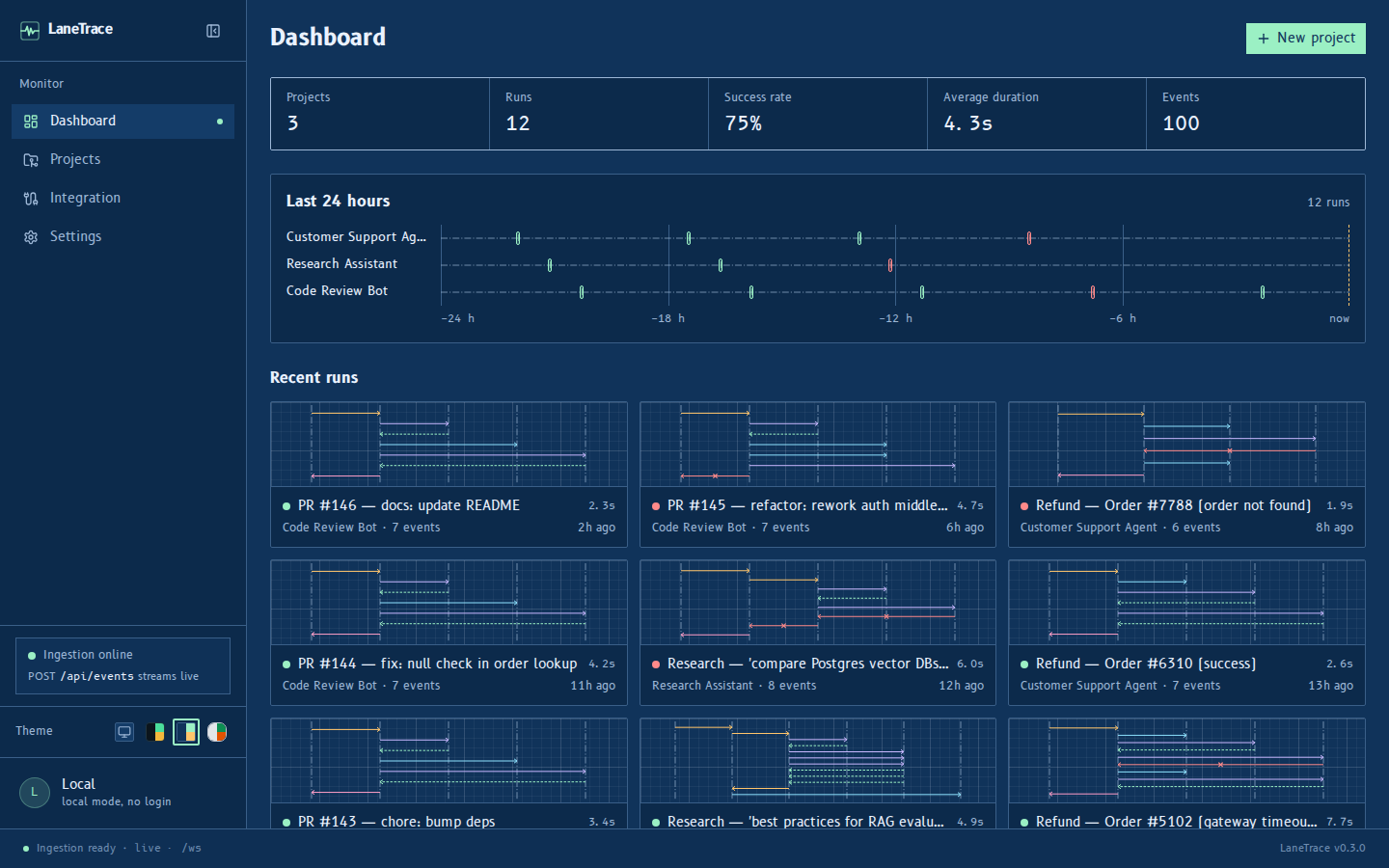
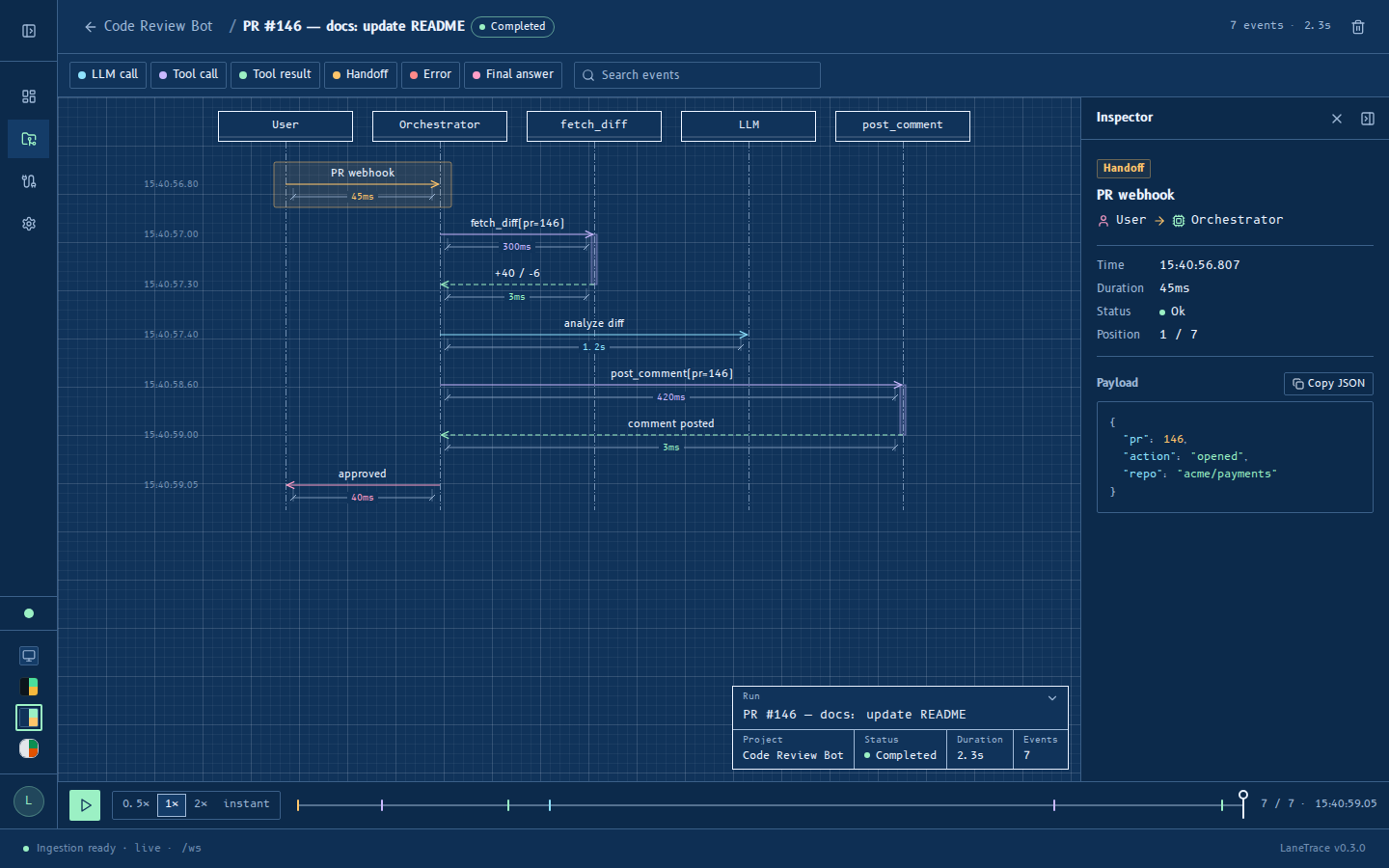
The dashboard has three themes, each with its own palette, typography and motion.
Dark, like an oscilloscope: phosphor-green glow, monospaced labels, arrows that draw like a beam.
Dark, like a blueprint: drafting-table blues, technical type, arrows that plot in crisply.
Light and calm: paper surfaces, soft shadows, arrows that settle with a spring.
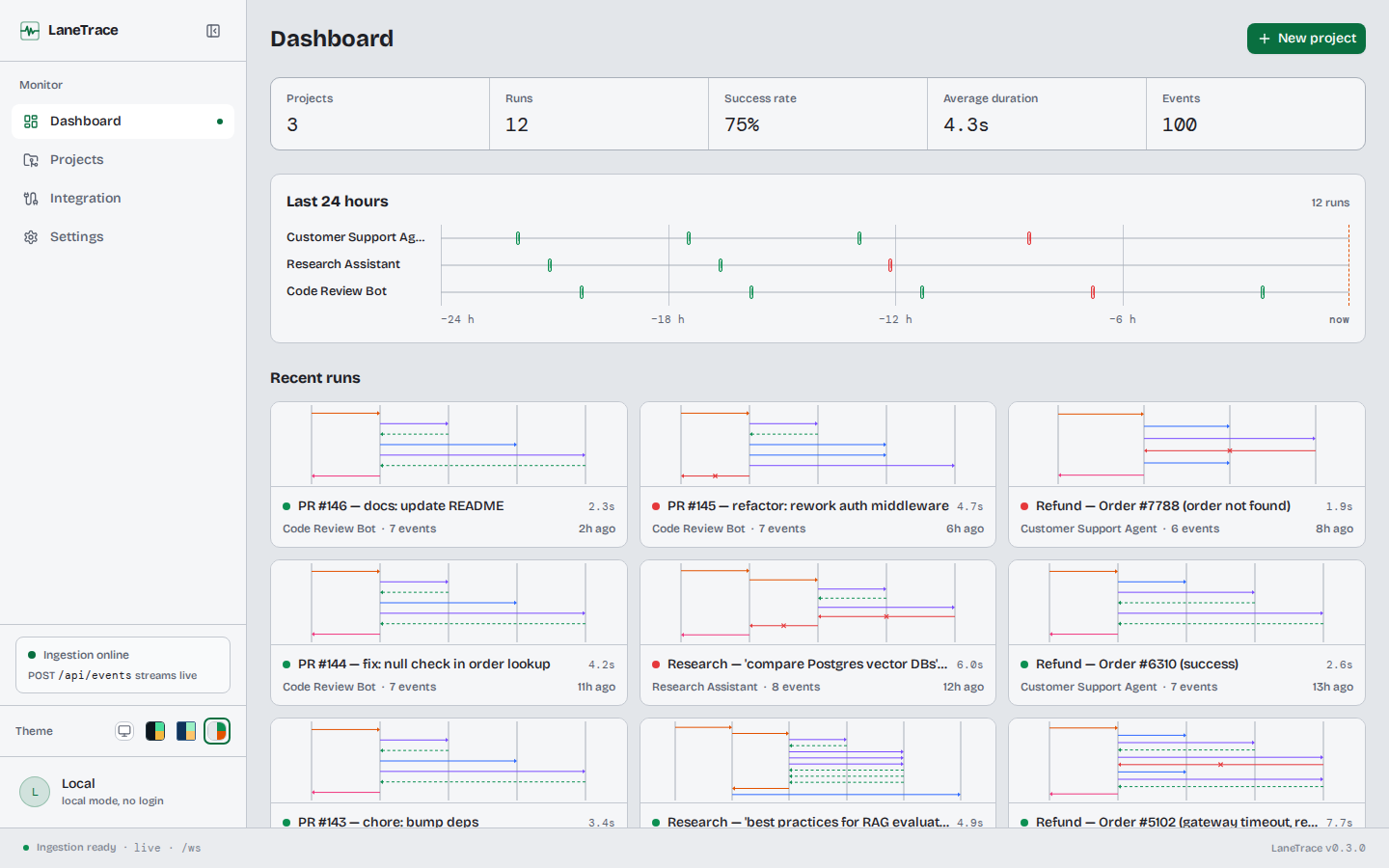
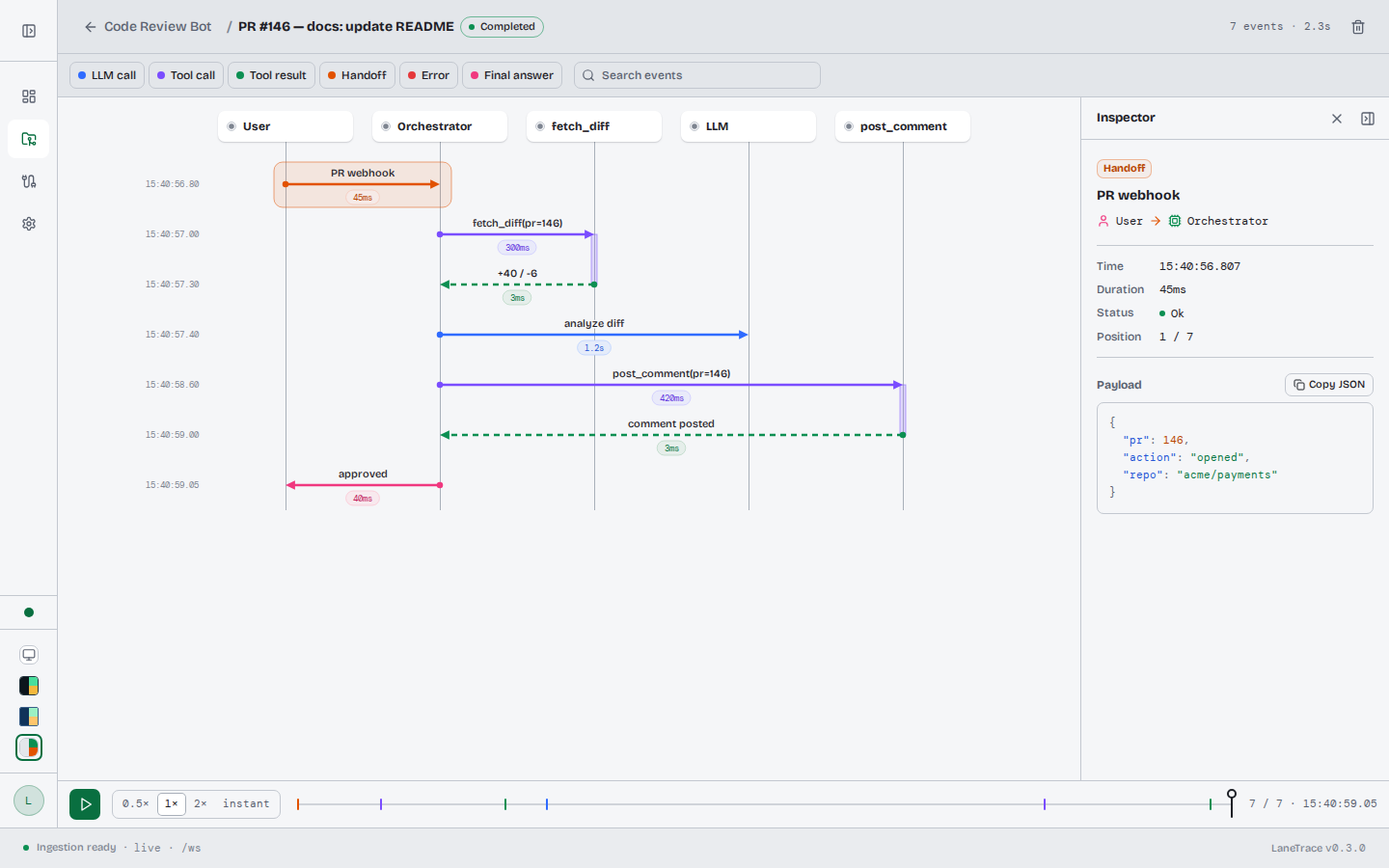
Switching themes
Use the Theme swatches at the bottom of the sidebar, or Settings → Theme. Auto, the default, follows the operating system: Cyanotype when it is in dark mode, Studio in light mode. The choice is remembered in the browser.
Reduced motion
Every animation respects the prefers-reduced-motion setting: animations
shrink to a short fade, without movement.